Quick picks
USB-C PD or inverter: which do you need?
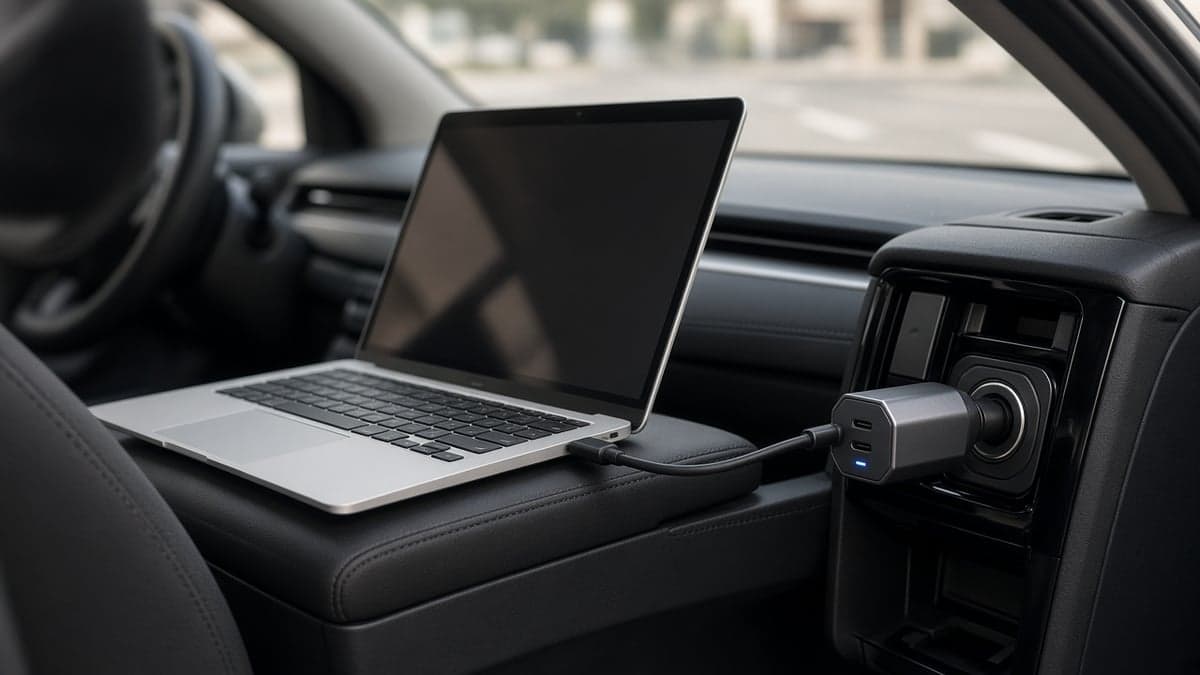
Check the tip on your laptop charger before you shop for a vehicle charger for laptop use. If it is USB-C, a car laptop charger with USB-C Power Delivery is the smaller, cooler, more efficient path. If it is a round/barrel pin — still common on many Dell, HP, and Lenovo budget notebooks and almost all gaming laptops — you need a car inverter so you can plug in the original brick.
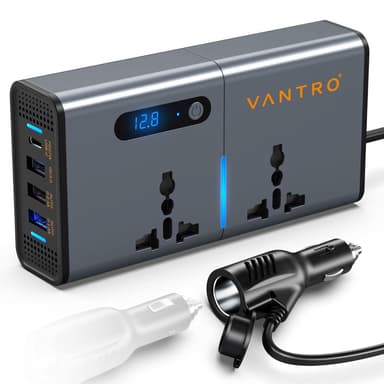
Google’s India results for “car laptop charger” and “laptop charger for car” are dominated by 150–200W inverters (Portronics Zaptor-class, Ceptics, CRUST, Primate, Cason) plus brand shops. That is useful signal: many Indian laptops still ship with AC bricks, so an in car charger for laptop often means “give me a 220V outlet,” not “give me 65W USB-C.” We cover both, and we keep USB-C PD and inverters in separate ranked lists so you do not mix a cigarette-lighter PD plug with a fan-cooled AC box.
Other 150–200W inverters often appear in India Shopping (Portronics Zaptor 200W, Ceptics 200W, CRUST N80, Primate 7in1, Cason 150W). We will add ranked cards only after ASIN, continuous-watt, and USB-C PD specs are verified — placeholder for next add: [INVERTER #2: ≥150W continuous, fuse + fan, ≥20W USB-C, Amazon.in ASIN ___].
Buying guide: how to choose a laptop car charger
Match the wattage
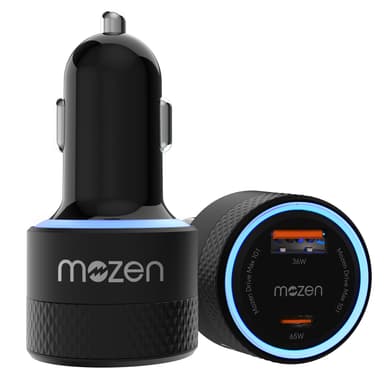
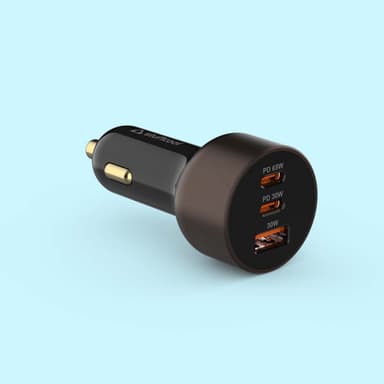
Read the watts on your laptop’s charger (for example 65W). The car charger’s single USB-C port should match or exceed that number. Combined totals like “85W” or “115W” are shared across ports — a phone on USB-A can steal headroom from the laptop port. Prefer listings that publish per-port PD watts. If a box only screams “101W total” with no Type-C figure, treat it as unverified for laptop use until you read a teardown or our review.
USB-C PD vs PPS vs QC
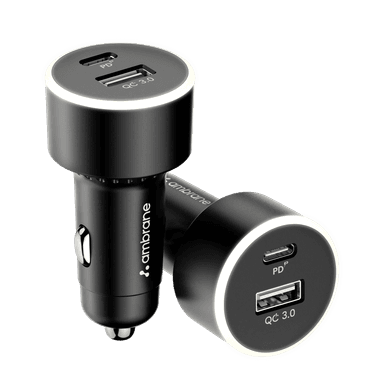
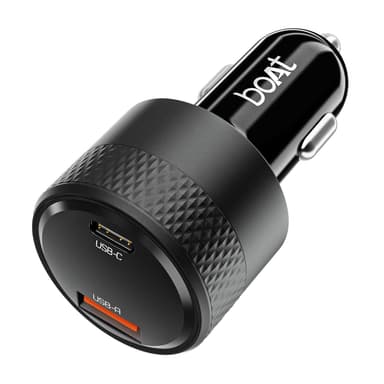
Laptops need USB-C Power Delivery. PPS (Programmable Power Supply) matters for Samsung Super Fast phone charging, not for most notebooks. Qualcomm QC is a USB-A phone protocol — useful as a side port, irrelevant as your laptop path. A good dual-role kit (Stuffcool Ultimus, boAt 83W) gives you PD for the laptop and PPS/QC for the phone without buying two plugs.
Use an e-marked 5A cable above 60W
A cheap 3A cable often caps at ~60W. Even a 100W-rated port then behaves like a 60W charger. For a car laptop charger 65W or usb c car charger for laptop session, pack an e-marked 5A USB-C cable in the glove box. Phone cables from the nightstand are the most common reason a “65W” car charger feels like a trickle.
12V socket limits (12V DC reality check)
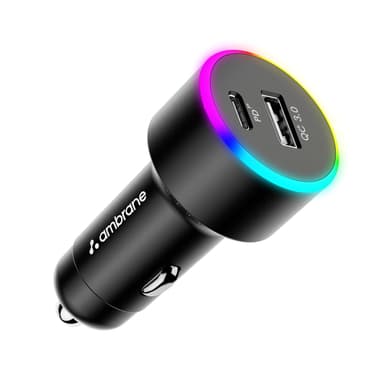
A typical lighter socket is fused at 10–15A — roughly 120–180W at 12V DC. That is why 200W inverters warn against running near peak and why one AC device at a time is wise. Check the fuse rating in your car manual before you treat the socket like a wall outlet. Many trucks and buses run 24V; confirm 12V/24V support (Ambrane C85 does; some phone-only plugs do not). A 12V DC car laptop charger path still bottoms out at the fuse — no adapter can invent amps the socket will not pass.
Inverter efficiency
An inverter does DC→AC so your brick can do AC→DC again. That double conversion dumps heat and wastes energy versus a direct USB-C PD car charger. Pure sine is preferred for sensitive bricks; modified sine is usually fine for laptop adapters (the same trade-off long-form guides like Business Insider call out). Prefer PD when your laptop accepts it; keep the inverter for barrel tips, camera chargers, and the odd appliance that has no USB-C input.
Safety
Plug in after starting the engine. Do not charge a laptop for hours with the engine off. Look for over-current, over-heat, and short-circuit protection plus a replaceable fuse on inverters. Keep the inverter’s fan clear — blocking airflow in an Indian summer cabin is how cheap units shut down or smell of hot plastic. Unplug high-watt accessories when parked. If you smell ozone or see the 12V socket get unusually hot, stop and check the fuse and plug fit.
Laptop compatibility: MacBook, Dell, HP, Lenovo, gaming
MacBook Air: 30–35W will maintain charge; 65W is comfortable for work while driving. MacBook Pro 14/16: 65–100W PD will charge slowly or only maintain battery under load — expect compromise, or use a higher-watt brick on an inverter. Always confirm against the wattage printed on Apple’s adapter.
Dell, HP, and Lenovo USB-C ultrabooks: typically 45–65W. Match the printed adapter rating. Dell laptop car charger and HP car laptop charger searches often mean either a 65W USB-C PD plug (if the notebook is USB-C) or a 150–200W inverter for older barrel tips. When the OEM tip is barrel, a USB-C car charger will not help no matter how many watts the listing claims.
Barrel-pin and gaming laptops (130–240W bricks): use an inverter with the OEM adapter, run the engine, and treat charging as slow/maintenance — a 12V lighter socket cannot magically supply a 240W gaming brick at full rate. Always use the manufacturer’s charger wattage as the source of truth. If you only need to stop the battery dropping on a long highway call, a 200W inverter plus the stock brick is still the honest kit.
Ultrabooks ≤ 45W: budget option
If your ultrabook’s brick is 45W or less, you do not need the ≥60W ranked list. The Duracell 65W Fast Car Charger (45W PD) and Portronics Car Power 80 (45W PD, under ₹500) are enough for light USB-C notebooks and tablets. They stay out of the ranked ≥60W list on purpose — useful for passengers and tablets, not our definition of a full car laptop charger for 65W machines.